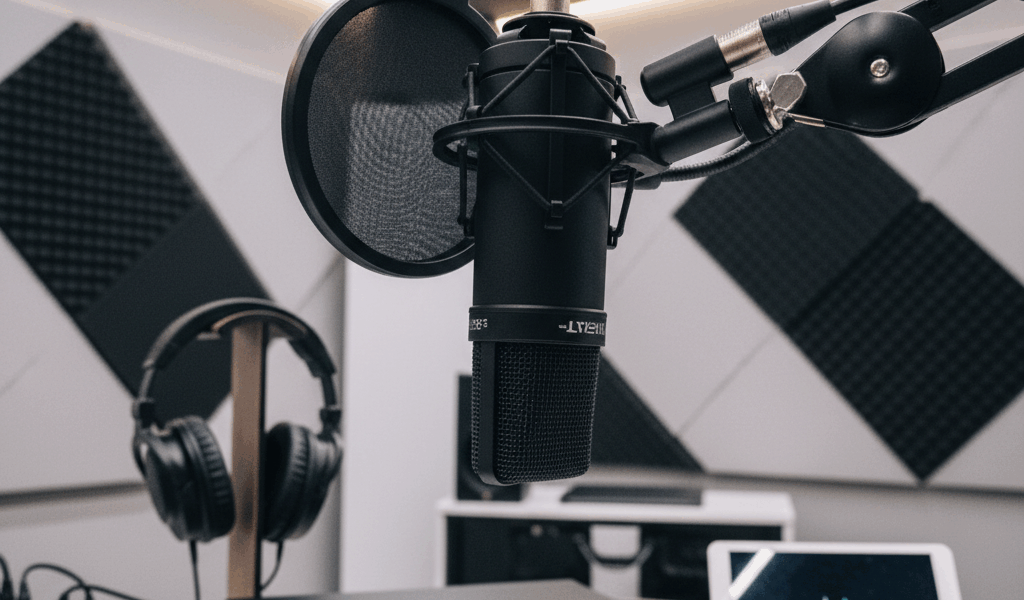
Video Phone Mic Limitations advice has gotten complicated with all the outdated tips and platform changes flying around. Here’s what actually works in 2026.
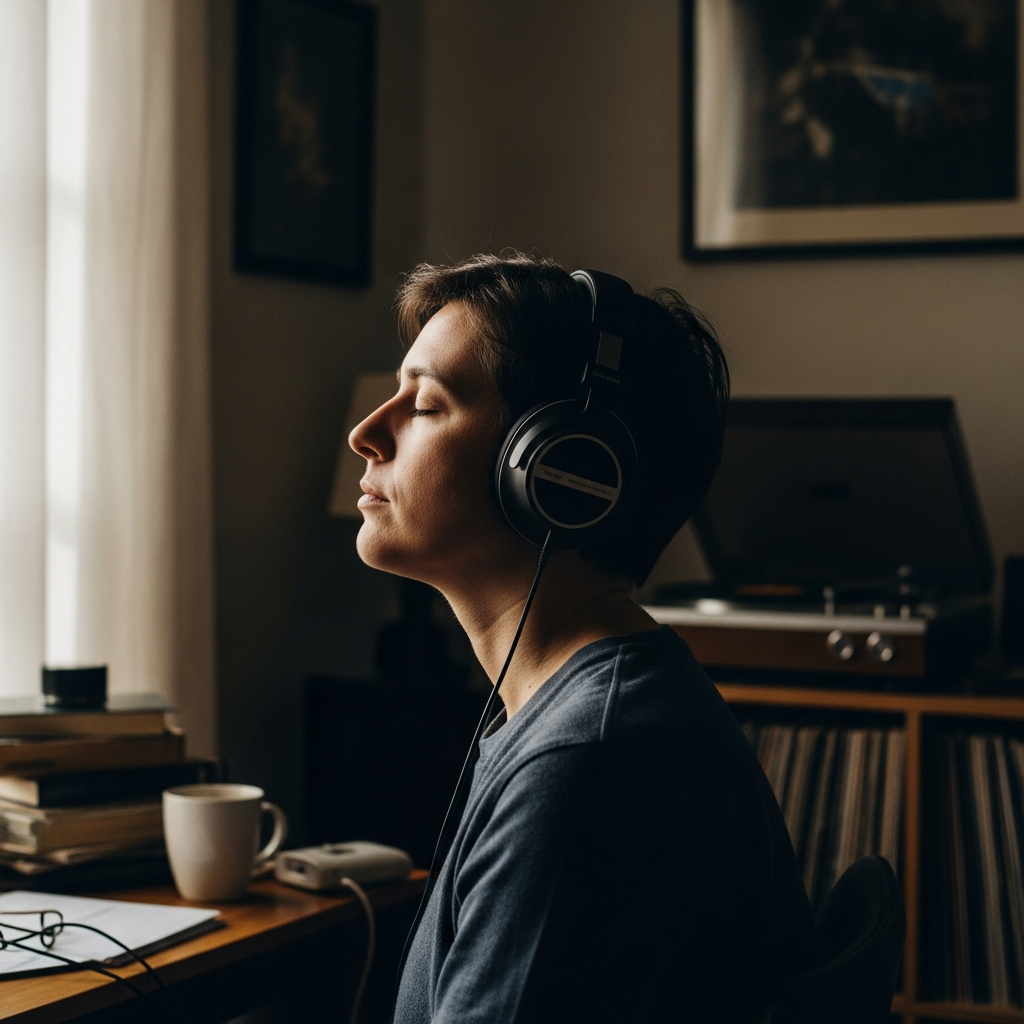
Recorded a video with my phone speaker once. Sounded like I was in a bathroom. Audio quality is half the battle with shorts – maybe more than half.
Phone Mic Limitations
Built-in phone mics pick up everything. Room echo, background noise, wind. Fine for casual stuff, not great for content you want people to actually watch.
Cheap Upgrades That Help
Lavalier mic – $20-30 clip-on that plugs into your phone. Massive improvement for spoken content. Position it close to your mouth, away from rustling clothes.
Wireless lav systems exist too. More expensive but no cable dangling.
Recording Environment
Soft surfaces absorb echo. Hard surfaces bounce sound around. Recording in a carpeted room with curtains sounds better than a tiled bathroom. Physics is physics.
Get close to the mic. Closer than feels natural. This reduces room sound in the recording.
Post-Processing
CapCut and other editing apps have noise reduction. Doesn’t fix terrible audio but helps with background hum. Normalize volume levels so nothing’s too quiet or blowing out.
Music Mixing
When you add music, keep voice above it in volume. Ducking – where music gets quieter when you talk – sounds professional. Most editing apps do this automatically now.
The Shortcut
Trending audio covers a lot of sins. If your own audio is rough, lean on platform sounds and minimize talking. Not ideal but better than posting bad audio that makes people scroll past.



Stay in the loop
Get the latest make video short updates delivered to your inbox.