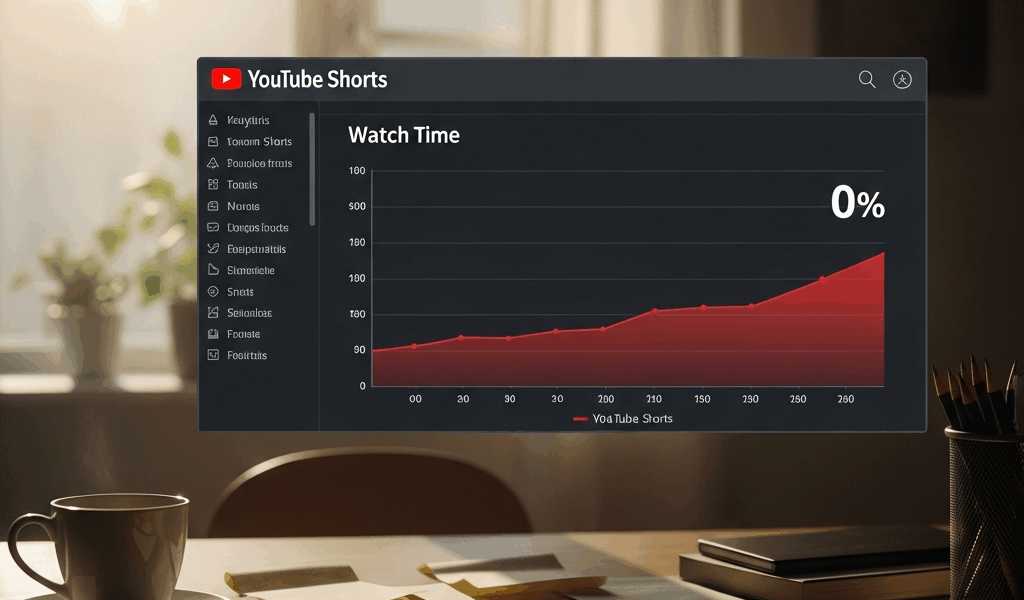
What Watch Time Actually Means for Shorts
YouTube Shorts watch time has gotten complicated with all the conflicting advice flying around. Everyone talks about views, likes, subscriber counts — but those aren’t the gate. The gate is something most creators never check until it’s too late.
But what is watch time percentage? In essence, it’s the portion of your Short each viewer actually completes. But it’s much more than that. It’s the primary signal YouTube uses to decide whether your video deserves distribution — or disappears entirely.
A 58-second Short that loses half its viewers at the 20-second mark registers as a failure. Doesn’t matter if 50,000 people tapped it. YouTube saw that only 12,000 finished it. That 24% completion rate tells the algorithm one thing: this content isn’t holding attention. Stop showing it. Meanwhile, a Short that gets watched 89% through gets pushed harder. More eyes. More starts. The loop compounds fast.
Everything else — views, likes, subscriber growth — lives behind this gate. Miss on watch time percentage and you’re invisible. That’s just how it works.
Your First 2 Seconds Are Killing the Whole Short
Frustrated by flat watch time numbers on your Shorts? The problem usually starts before your actual content does. So, without further ado, let’s dive in.
Slow intros bury you. A 2-second pause before you speak. A fade-in eating a full second. Text appearing letter by letter. These feel natural in the edit bay — to a viewer with 500 other videos loaded in the feed, they feel like dead weight. Swiped.
Silent starts are worse. I made this exact mistake for about four months straight. I’d open with a wide shot of my desk — no sound, no text, just nothing happening. My analytics showed drop-off in the first 3 seconds like clockwork, every single upload. The moment I added a sharp audio hit the instant the video played — a quick whoosh, a bass drop, literally anything with energy — retention jumped 12 percentage points. One change. That was it.
YouTube reads early swipes as a quality signal. The algorithm notices exits in those first 2-3 seconds and assumes your content isn’t worth pushing. Even if the rest of your Short is genuinely great, you never get the chance to prove it. Don’t make my mistake.
Here’s what actually works in the first 2 seconds:
- Start with a question the viewer can’t ignore (“What I got paid to delete my TikTok”)
- Open mid-action — already talking, already demonstrating, already moving
- Use immediate audio contrast (a sound effect, a music shift, a voice tone change)
- Put your most visually striking frame first, not your title card
The frame matters more than the script. Your viewer’s thumb is hovering. Give them a reason to let it play past 3 seconds — at least if you actually want the algorithm to do anything with your video.
Pacing and Editing Mistakes That Cause Mid-Video Drop-Off
Probably should have opened with this section, honestly. Early retention matters, yes — but mid-video drop-off is equally damaging. It means your hook worked and your content still lost them. That stings.
Dead air kills mid-video retention fast. A 1-second pause between clips feels like nothing when you’re editing at 2x speed on a Monday morning. To a viewer in the Shorts feed, it’s noticeable. It’s boring. They swipe.
Jump cuts that move too slowly compound this. Say you’re covering five benefits — if each one gets 8 seconds of screen time with slow transitions between them, your Short is dragging. Viewers lose the thread. The pacing feels wrong even if they can’t say why. By the 35-second mark, half your audience is already gone.
Information gaps create drop-off too. You mention something without explaining it. The viewer wants context. You move on without giving it. They swipe somewhere else to find the answer.
While you won’t need a $400 editing suite for this, you will need a handful of simple rules applied consistently:
- Cut every pause under 0.5 seconds — even the silence between your own sentences. Remove it.
- Change visual content every 2-3 seconds maximum. B-roll, text overlay, scene cut, anything different.
- Stack information. Say the benefit, show the benefit, move immediately to the next one. No gaps.
- Test your pacing at 1x speed, not 1.5x. If it drags at normal speed, it drags for your viewers.
I’m apparently wired for traditional long-form YouTube pacing — letting shots breathe, letting pauses land — and that instinct absolutely wrecked my early Shorts. CapCut works for breaking those habits while Final Cut never really forced me to change. Shorts require relentless forward momentum. The moment energy dips, people leave. No exceptions.
How Your Ending Decides If the Short Gets Looped
YouTube counts replays as a positive signal. A viewer who watches your Short twice is worth more to the algorithm than someone who watches once and scrolls. The loop is real — and most creators are accidentally killing it.
They end with a static “Subscribe for more” card. Or a logo bump. The viewer hits the last frame. It clearly signals: this is over. They don’t replay. They move to the next Short in the feed. That’s a dead-end ending — and that’s what stops recommendations cold.
A loop-friendly ending creates momentum back to the start. It’s not a trick or a gimmick. It’s just structured to feel cyclical rather than terminal.
What this looks like in practice:
- End mid-sentence or mid-action that connects visually to your opening frame
- Use a question at the end that only your opening frame answered — viewers replay to verify
- Layer the final frame directly over your opening frame so the transition feels seamless
- Avoid hard cuts or fade-to-black endings entirely — they signal finality
A Short about ranking your top 3 productivity hacks could open with you at your desk saying “Here’s what actually works,” then cycle back to that same shot at the end with “And that’s why these beat everything else.” Same visual. Audio suggests continuation. Viewers replay it. Watch time percentage climbs. Distribution follows. That’s the whole loop right there.
Dead-end endings kill loops. Worth repeating. A logo. A subscribe button. A fade to black. These are termination signals — and your Short stops getting recommended the moment people stop rewatching it.
Quick Checklist Before You Post Your Next Short
- Does your first 2 seconds contain movement, sound, or a question that makes swiping feel like a mistake?
- Is there dead air, silence, or visual stasis longer than 1 second anywhere in your timeline?
- Does your visual content change every 2-3 seconds, or are shots lingering past their welcome?
- Is information presented without gaps — stated, shown, moved forward immediately?
- Does your ending loop back to your opening visually or thematically, rather than terminating cold?
- Have you pulled watch time retention data in YouTube Analytics on your last 5 Shorts to find your personal drop-off pattern?
- Is audio present throughout — or are there stretches where viewers have nothing to listen to?
Watch time percentage is the metric that gates everything else. Fix it and your Shorts get distributed. Ignore it and zero watch time stops being a streak of bad luck — it becomes the pattern.



Stay in the loop
Get the latest make video short updates delivered to your inbox.