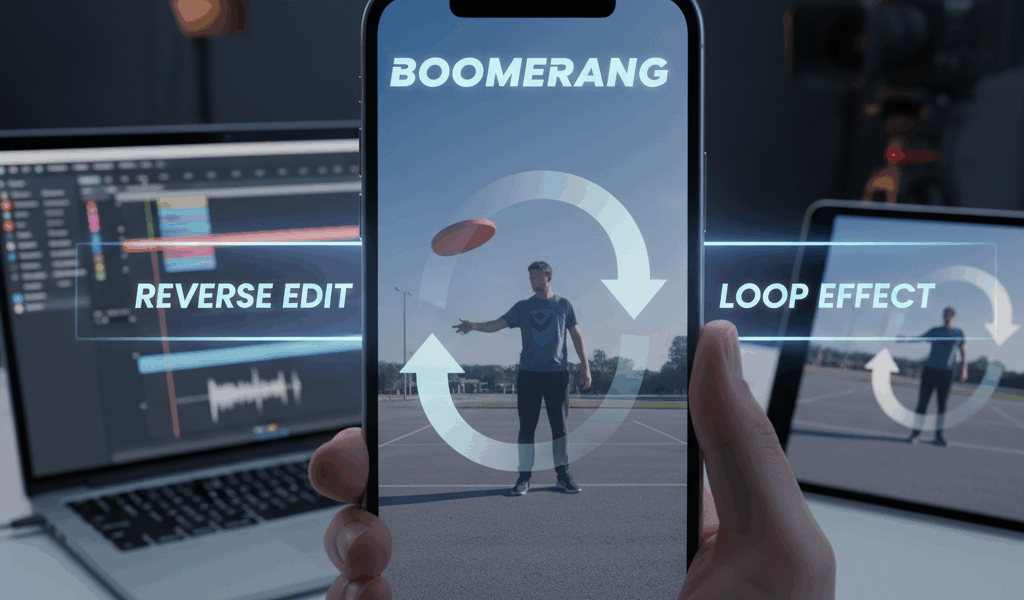
Video What Makes a Good Boomerang advice has gotten complicated with all the outdated tips and platform changes flying around. Here’s what actually works in 2026.
Boomerang loops are everywhere now. Here’s how to make them without the Instagram app.
What Makes a Good Boomerang
Movement. Has to have movement. Something going back and forth works best. Waves, hair flips, clinking glasses.
Static scenes don’t work. If nothing moves, there’s nothing to loop. Obvious but people forget.
Shooting The Clip
Keep it short. One to two seconds max. Longer clips make weird loops.
Steady camera. Tripod if possible. Shaky footage looks terrible looped. Trust me.
Good lighting matters more than usual. The loop repeats any flaws. Bad exposure multiplies.
Making The Loop
CapCut works. Import clip. Duplicate it. Reverse the duplicate. Trim both to match. Export.
InShot does the same thing. Some versions have a built-in boomerang effect.
On desktop, Premiere has reverse speed settings. More control but more effort.
Smoothing The Transition
Cut at the natural pause. If someone’s raising a glass, cut when it’s fully raised. Both directions meet there.
Speed ramping helps hide the seam. Slow down right at the transition point.
Export Settings
Loop several times before exporting. Three or four repeats. Gives it that endless scroll feel.
Square format for Instagram. Vertical for TikTok and Reels. Resize before posting, not after.



Stay in the loop
Get the latest make video short updates delivered to your inbox.