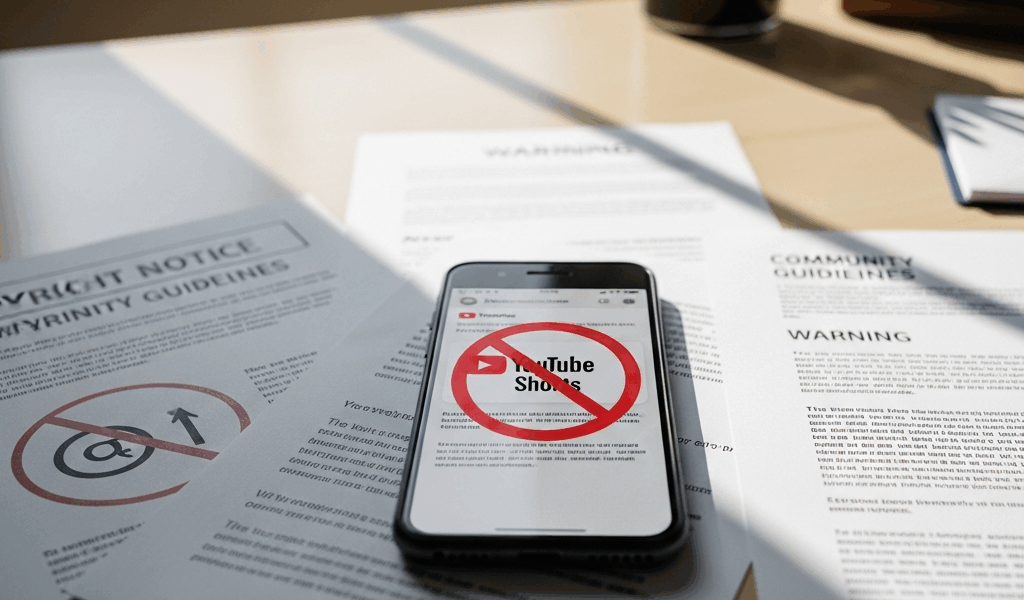
YouTube Shorts Removals Have Gotten Complicated With All the Misinformation Flying Around
Your YouTube Short disappears. No warning. No real explanation. Just a vague notification sitting in your inbox referencing “community guidelines” or “copyright policy” — and then nothing. Just silence and a frozen view counter.
As someone who’s been creating content for seven years, I learned everything there is to know about how YouTube handles Shorts removals. Today, I will share it all with you.
Here’s the part most creators genuinely don’t know: YouTube removes first and reviews later. Always. Their automated systems are scanning metadata, audio fingerprints, visual signals, and upload patterns before a single human ever looks at your video. A reviewer might overturn it eventually — but by then your Short is already gone, your momentum is dead, and the algorithm has completely moved on. That’s what makes the whole system so maddening to us creators.
So, without further ado, let’s dive in.
The Most Common Reasons Shorts Get Taken Down
Background Music and Copyright Claims
This is the single biggest trigger. You film a quick dance or lip-sync to whatever song is trending that week. The audio fingerprint gets matched against a rights database — sometimes within minutes. Content ID flags it. A rights holder files a claim. Your Short vanishes.
The tricky part? You might own that song on Spotify. Doesn’t matter. YouTube’s copyright system operates completely separately from your streaming licenses. Only music sourced through the YouTube Audio Library or properly attributed Creative Commons tracks is actually safe. Everything else is a gamble.
Reposted or Duplicate Content
But what is duplicate content to YouTube? In essence, it’s any footage carrying a fingerprint that already exists somewhere on the platform. But it’s much more than that — it includes your own uploads. Re-uploading the same clip twice triggers spam detection fast. I learned this the hard way after re-uploading a Short I’d originally deleted, just to “test” something. Gone within 40 minutes.
Don’t make my mistake.
Misleading Metadata
Title says “Free iPhone 15 Giveaway.” Video is a comedy skit. No giveaway anywhere. YouTube’s system flags that gap as deceptive content — usually within 24 hours. Your description promising something the Short never delivers does the same thing. The mismatch alone is enough.
Age-Restricted Content Auto-Removed from Shorts Feed
Regular videos have an age-restriction setting. Shorts don’t. That distinction matters more than most people realize. Profanity, suggestive content, or anything borderline violent doesn’t get restricted in Shorts — it gets pulled from the feed entirely. Some creators post the same content they’d put on their main channel and wonder why it keeps disappearing.
Community Guidelines Violations in Visual Content
You hold up a toy gun for three seconds as part of a joke. Automated systems see a weapon. Context doesn’t factor in — not at the detection stage, anyway. Same thing with self-harm references, violent imagery, even clearly satirical hate speech. The robot doesn’t understand nuance. That’s what makes appealing these so frustrating for us creators who actually know what we meant.
Third-Party Content in Screen Recordings
Screen-recording gameplay footage, someone else’s app interface, or another creator’s content and uploading it as your own hits both copyright and spam filters simultaneously. Commentary helps — but it doesn’t guarantee safety. The background content carries its own fingerprint, and that fingerprint travels with it.
How to Find Out Why Your Short Was Actually Removed
Probably should have opened with this section, honestly. Open YouTube Studio. Click “Content.” Find the removed video — it’ll have a red exclamation mark or warning icon sitting next to the title. Click on it. The removal notice shows up in the details panel.
Read it carefully. Here’s what you’re actually looking for:
- Content ID claim: A copyright holder flagged your audio or visuals. Appealable — but you’ll need actual proof of ownership or licensed permission, not just a verbal explanation.
- Community guidelines strike: You violated YouTube’s policies. First strike is technically a warning. Second and third within a 90-day window means channel suspension. These are harder to win on appeal.
- Spam or deceptive content removal: Misleading metadata, duplicate fingerprints, or artificial engagement signals triggered it. Usually not appealable — but a re-upload with the problems fixed tends to work.
- Copyright takedown notice: A formal legal claim. This is the serious one. You have 30 days to respond. Most creators should get actual legal advice before filing a counter-notification here — I’m apparently stubborn about doing things myself, and that approach never worked for me when a real DMCA notice landed.
The notice won’t always be specific. But it narrows your diagnosis down enough to take the next step.
What to Do Immediately After a Short Gets Removed
Step one: don’t panic-reupload the same video. Seriously. YouTube now has two matching fingerprints flagged for the same content, and the second removal happens faster than the first.
Instead, follow this sequence:
- Read the removal notice twice. Once to feel the frustration. Once to actually absorb the information.
- Screenshot everything in YouTube Studio. The notice, the policy link, the exact wording. You’ll need documentation for an appeal — and for explaining what happened if you want help from other creators.
- Figure out if it’s even appealable. Content ID claims are. Community guidelines strikes are. Spam removals usually aren’t. The notice itself will tell you whether appeal rights exist.
- File the appeal with specific evidence. Licensed music? Show the license documentation. Content doesn’t actually violate policy? Make a factual case. Don’t write an emotional paragraph — write a clear one.
- Wait. Appeals take 2–5 business days on average. Sometimes longer. YouTube processes them on their schedule, not yours.
- Plan your fix while you wait. New music. Corrected metadata. Edited footage. Have the revised version ready so you’re not starting from scratch if the appeal fails.
How to Avoid Removals Before You Hit Upload
While you won’t need a full legal team, you will need a handful of good habits. First, you should run through this checklist every single time — at least if you want to stop losing videos to entirely preventable removals.
- Audio: YouTube Audio Library tracks only, or properly attributed Creative Commons music. Cost: $0.00. Risk: essentially zero.
- Originality check: Search your exact footage in YouTube’s search bar before uploading. If it already exists on the platform, don’t upload it again.
- Metadata review: Does your title actually match your content? Does your description accurately describe what viewers are about to watch? Does your thumbnail reflect what they’ll see in the first five seconds?
- First frame check: Automated scanning hits the opening image hard. Make sure it’s clean and policy-compliant before anything else.
- Dialogue review: Profanity, slurs, and graphic language get flagged fast — even inside jokes. Edit them out or layer music over the problematic sections.
- Visual scan: Weapons, suggestive imagery, violence, anything resembling self-harm — remove it or reframe it with context that’s impossible to misread.
Two minutes per video. That’s the actual time cost. The alternative is weeks of appeals and lost momentum. YouTube Audio Library might be the best option for music, as Shorts content requires clean licensing. That is because even a three-second audio clip carries a fingerprint that the Content ID system will find.
Your Short removal doesn’t have to be permanent. But understanding exactly what triggered it — not just vaguely assuming — is the only thing that makes a real recovery possible.


Stay in the loop
Get the latest make video short updates delivered to your inbox.