The First 24 Hours Matter More Than You Think
YouTube Shorts has gotten complicated with all the algorithm mythology flying around. As someone who spent three weeks staring at a Short about my Sony A6400 setup sitting at exactly twelve views — all from subscriber notifications, not a single stranger — I learned everything there is to know about why this happens. Today, I will share it all with you.
Here’s the thing nobody tells you upfront: YouTube’s distribution decision happens fast. We’re talking hours, not days. The platform grabs a thin slice of your audience plus some general Shorts browsers and essentially runs a quiet little test. Watch time past the three-second mark, a comment, a share — these are the signals it’s hunting for. Find them early, and your Short gets pushed wider. Find nothing? The content just… sits there. Uploaded but effectively invisible, stuck somewhere between “exists” and “discoverable.”
Most fixes here are quick and reversible. You’re not starting over — not even close. You just need to pinpoint which specific failure point is doing the blocking. Technical glitch, metadata problem, bad first impression. One of those three is almost always the culprit.
Your Short Is Still Processing or Restricted
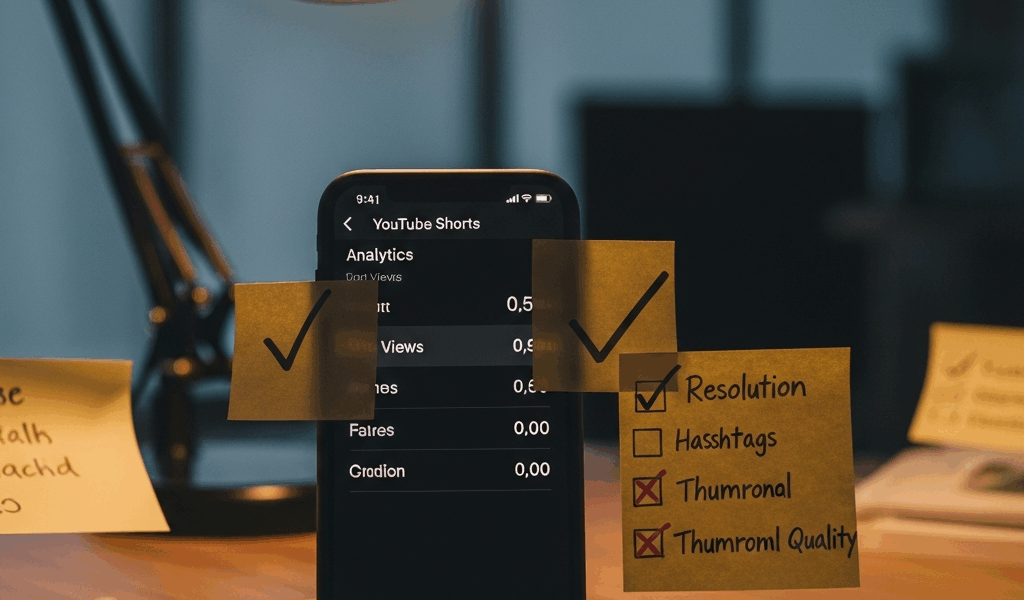
Check this first. Seriously, before anything else. Open YouTube Studio, navigate to your Shorts feed, and actually look at the video entry. A gray spinning icon or a “Processing” message means your Short isn’t eligible for distribution yet — it simply doesn’t exist in any meaningful way to the algorithm. Normal processing runs five to thirty minutes depending on file size and server load. Occasionally it stalls longer. Don’t panic immediately.
Here’s how to verify the status:
- Go to YouTube Studio → Content → Shorts
- Find your Short and look for status indicators next to the thumbnail
- If it shows a spinning icon or “Processing video,” wait another ten minutes and refresh
- If it says “Checks running,” YouTube’s review system is flagging something — usually copyright, metadata issues, or age restrictions
Second thing to look for: visibility settings. Don’t make my mistake. I once uploaded a Short, set it to private while copying the URL, and spent an entire afternoon wondering why nobody watched it. The video existed. It was just invisible to every human being except me. Pull up the video details page and confirm that dropdown reads “Public.” Takes four seconds. Could save you hours of confusion.
Unlisted is different from private but still kills your reach — worth knowing. Unlisted videos don’t surface in feeds or search results. Only someone with the direct link ever sees them. Accidentally chose Unlisted? Switch it to Public and give the algorithm roughly an hour to re-index before you start worrying again.
Finally, check your scheduled publish date. This trips people up more than you’d expect. If you set it for tomorrow or next Thursday, your Short is technically live but the algorithm won’t touch it until that timestamp arrives. Simple fix, easy to miss.
The Algorithm Did Not Pick It Up at All
So your Short is fully processed, set to Public, and still sitting at zero views. That usually points to one thing: the metadata is too thin, and YouTube’s categorization system genuinely doesn’t know what to do with your content.
But what is metadata in this context? In essence, it’s the title, description, hashtags, and category that tell YouTube what your Short is about and who should see it. But it’s much more than that — it’s how the algorithm decides which audience segment to test your content against in those first critical hours.
Hashtags still matter for Shorts, even though they feel outdated. Missing them entirely, or stuffing in #viral and #shorts with zero context, essentially tells YouTube you haven’t done the work of contextualizing your content. The system can’t confidently match your video to a specific viewer type, so it hedges — or skips you entirely.
Your description carries real weight too. A blank field or a single word gives the algorithm almost nothing. I once reposted an old Short — same video, same title — but added two sentences describing exactly what viewers would watch. It pulled seventy views in forty-eight hours. The original posting got zero. Same content, different metadata, wildly different result.
Category selection is another one people overlook. Upload a coding tutorial under “Entertainment” instead of “Education” and you’re essentially asking YouTube to show your Python walkthrough to people browsing prank compilations. The initial test audience is completely wrong, engagement tanks, and the algorithm reads that as a signal to stop distributing. Small dropdown choice, significant consequence.
Posting time relative to your audience’s active hours matters too — at least if you care about that early engagement window. My audience skews heavily EST. When I uploaded at 3 AM, the algorithm had almost no early signals to evaluate. I switched to 7 PM EST uploads and watched initial view velocity jump from near-zero to thirty views in the first hour. That’s not a coincidence.
Your Title or Thumbnail Killed the Click Rate
Probably should have opened with this section, honestly. Title and thumbnail failures are so common that creators spend weeks blaming the algorithm when the actual problem is much simpler: nobody clicked the thing in the first place.
Weak title: “Vlogging at the Coffee Shop”
Strong title: “Why This Espresso Cost $12 (And Worth It)”
That’s the difference between describing an event and creating a reason to stop scrolling. The first version answers nothing. The second hints at a story, maybe some controversy, definitely a revelation. Your title has roughly two seconds to justify a tap while someone’s thumb is already moving. “What happened” rarely does that job. “Why this happened” usually does.
Thumbnails on Shorts are auto-generated — YouTube picks a single frame and runs with it. It frequently picks a frame where you’re mid-blink, mid-sentence, or staring somewhere off-camera at nothing in particular. You can override this, and you should. In YouTube Studio, open the video, go to Details, scroll down to Thumbnail, and upload a custom image. High contrast, legible at small sizes, ideally your face with a readable expression or the single most striking visual moment from the Short. That’s what gets clicks.
That’s what makes thumbnail optimization endearing to us creators — it’s one of the few things in this whole process that’s entirely within your control, no algorithm required.
What to Actually Do Right Now to Fix It
So, without further ado, let’s dive in. Here’s the prioritized checklist — execute these today, in this order:
- Check visibility settings first. Open the Short in YouTube Studio and confirm the dropdown says “Public.” Thirty seconds. Fixes roughly twenty percent of all no-view situations.
- Verify processing is actually complete. No spinning gray icon, no “Checks running” message. If either appears, wait fifteen minutes and refresh before touching anything else.
- Rewrite the title if it’s descriptive instead of compelling. Specific language, a hint of curiosity, or a clear promised payoff — pick one and execute it.
- Add a real description and relevant hashtags. Two to three sentences explaining what viewers will actually see, followed by three to five hashtags that accurately reflect the content. Not #viral. Actual context.
- Upload a custom thumbnail if the auto-generated frame looks rough. Clear facial expression or the video’s most visually striking moment. Nothing blurry, nothing mid-blink.
- Confirm your Short appears under the Shorts tab on your channel. If it’s missing from there after two hours, something in your visibility settings is still wrong.
Re-uploading the entire Short is your absolute last resort — not step two, not step three. These edits almost always work without nuking the original upload.
One realistic expectation before you close this tab: smaller channels sometimes wait forty-eight to seventy-two hours for the initial algorithmic push. I’m apparently a mid-size channel now and even my Shorts occasionally sit quiet for eighteen hours before anything moves. Don’t spiral at the six-hour mark. Do investigate seriously if forty-eight hours pass, you’ve confirmed Public visibility, and the view count is still showing zero.


Stay in the loop
Get the latest make video short updates delivered to your inbox.