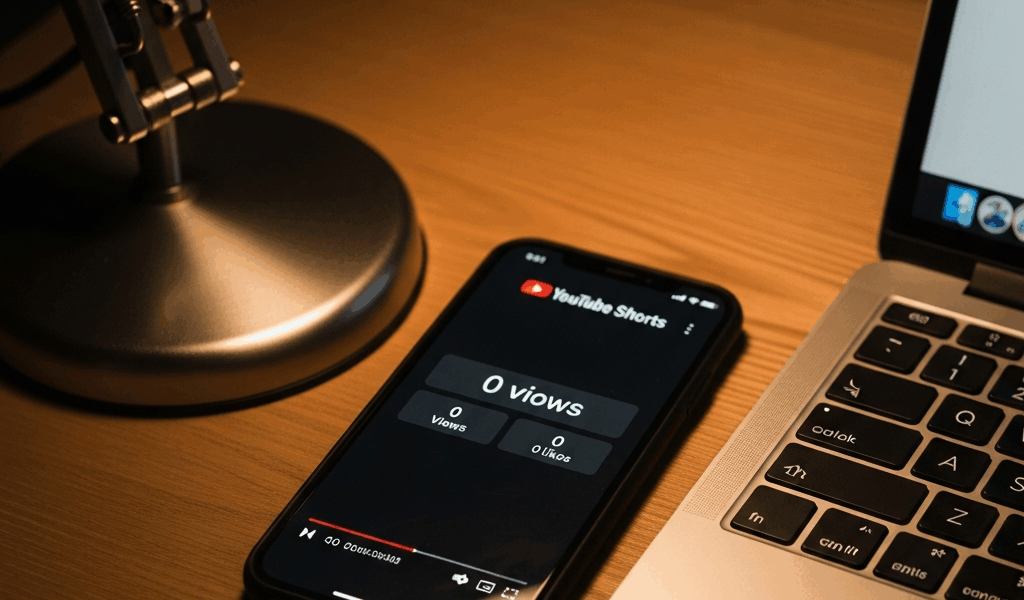
Check These Things Before Assuming the Algorithm Hates You
YouTube Shorts have gotten complicated with all the algorithm mythology flying around. Every creator I talk to jumps straight to “I’m shadowbanned” the second their views stall. I get it — that was my first instinct too. But after uploading roughly 200 Shorts across three different channels, I learned everything there is to know about zero-view lockdowns. Today, I will share it all with you.
Here’s the thing most people miss: when the algorithm actually ignores your Short, it doesn’t freeze at zero. It lands at 1 view, maybe 15, then quietly dies. True zero-view lockdown is a different animal entirely — usually a technical barrier, a visibility toggle you forgot you touched, or an account flag YouTube never bothers to announce.
Stop blaming reach. Audit the upload first. That’s where the real diagnosis begins.
Your Short Might Still Be Processing
Probably should have opened with this section, honestly. Processing is the most common culprit I see, and it fools everyone at least once.
YouTube doesn’t serve your Short the second you hit upload. It generates multiple bitrate versions — one for a phone on LTE, another for a tablet on WiFi, another for desktop. That happens in the background while your view counter sits frozen at zero. Upload something in 4K and you could be waiting several hours before anything moves.
Here’s how to check. Open YouTube Studio. Go to Content. Click into your Short. Look at the status indicator on the right side. Two things might appear:
- Processing — YouTube is still converting your original file. View count won’t update yet. Don’t touch anything.
- Processing HD version — Basic version is live, but the high-resolution encode for tablets and desktops isn’t done. Views trickle in, but slower than normal.
I watched a creator in a Discord I’m in delete three perfectly good Shorts inside a single afternoon. Each one was still encoding. He nuked them, re-uploaded, then reported the exact same zero-view stall — because he uploaded again at full 1080p and the cycle just repeated. Then he blamed the algorithm. Don’t make my mistake, and don’t make his either.
Wait 24 hours after upload before drawing any conclusions. If the processing status clears and you’re still sitting at zero, then move on to the next check.
Visibility Settings and Hashtag Flags That Kill Distribution
YouTube Studio has toggles that can lock your Short out of public distribution entirely. They’re not hidden. You can see them. But in the rush of uploading, creators blow past them constantly.
Go to YouTube Studio. Select your Short. Click Details. Scroll to Visibility. Three options: Public, Unlisted, Private. If it’s set to Unlisted or Private, nobody finds your Short except people who already have the direct link — which is probably nobody.
I’m apparently someone who saves upload templates on my phone, and the YouTube app works for me while the default Unlisted setting never gets corrected before I post. Spent two full days convinced my account was flagged before I noticed. It wasn’t flagged. I was just hiding my own content. Two days, gone.
Below Visibility sits the Age Restriction section. YouTube auto-detects audio and visual content that triggers age-gating — a sampled track from an explicit song, a background lyric with a curse word, certain visual content. Get flagged there and your Short becomes invisible to most viewers under 18 and loses its algorithmic push entirely. No warning. Just silence.
Hashtags are another silent killer. That’s what makes this platform endearing to us creators — there’s always one more invisible rule to learn. YouTube allows up to 30 hashtags per Short, but some are flagged at the platform level for spam or abuse. Use one flagged hashtag and the entire Short gets suppressed from search and recommendations. You won’t see an error message. It just sits at zero.
My rule after burning myself on this: use 3 to 5 specific hashtags tied directly to your actual content. Skip anything with under 100K views — that usually signals an abandoned or flagged tag. And never grab a trending hashtag just because it’s trending if it has nothing to do with your video. #ShortsFeed has billions of videos on it. You’re not cutting through that.
New Accounts and Channels in Penalty Status
Brand-new channels get soft-throttled. That’s just the reality. If your channel is under 30 days old, YouTube limits early visibility while it watches whether your content pulls organic engagement before committing distribution resources to it. Not zero distribution — but close.
Worse situation: active Community Guidelines strikes or spam warnings push all new uploads into a suppressed state. No notification. No banner in Studio saying “hey, your Short is suppressed.” It just happens quietly while you refresh your analytics wondering what went wrong.
Check your standing here: YouTube Studio → Settings → Community → Channel Status. Any strikes, warnings, or holds showing up there — that’s your answer. Minor strikes typically carry a 30-day holding period. After that clears, distribution returns to normal.
New account with a clean record? Patience is your only real move. Post consistently for 30 days. YouTube starts distributing more aggressively once the channel clears that initial probation window. There’s no shortcut around it.
What to Do If Everything Looks Fine But Views Are Still Zero
So you’ve checked processing status. Visibility is Public. No age restriction flags. Hashtags look clean. Account standing is fine. It’s been more than 24 hours. Still zero.
Three steps — in this order:
- Delete and re-upload with a stripped title. Pull out branded hashtags, special characters, aggressive keyword stacking. Instead of something like “#ShortsFeed #UltimateGuide #MustWatch #BestTips,” try two tags: “#Fitness #HomeWorkout.” Upload at a completely different time of day. If you originally posted at 9 AM, try 6 PM.
- Search your exact title in YouTube’s search bar. If your Short doesn’t appear — even when you paste the exact phrase — that suggests a content flag or shadowban situation, not just algorithm coldness. At that point, audit your audio and visuals for hidden triggers before uploading again with a different premise.
- Wait 48 hours before declaring defeat. Some Shorts need a full 48-hour window to accumulate even their first handful of views. The algorithm micro-tests every new upload. See even 1 to 3 views tick up during that window? The video is alive. It just hasn’t found traction yet.
Honest reality: some Shorts just don’t go anywhere. They find a small audience over several weeks, or they don’t find one at all. But zero views after 48 hours — following all these checks — almost always traces back to something technical or a visibility issue you can actually fix. Run the diagnosis. Fix the upstream problem. Upload again. Then let patience do the rest of the work.



Stay in the loop
Get the latest make video short updates delivered to your inbox.