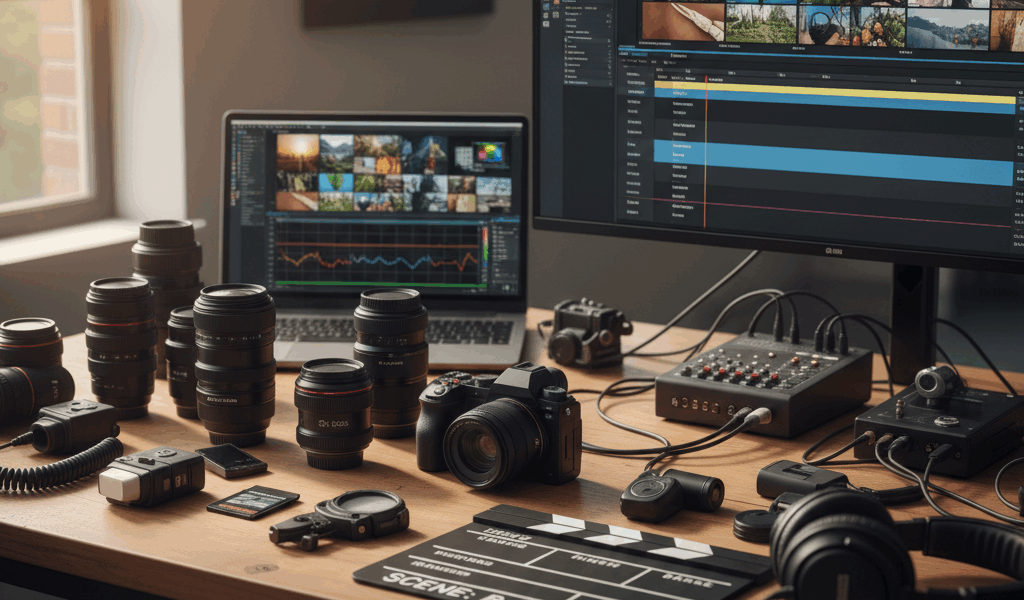
Video What B-Roll Is advice has gotten complicated with all the outdated tips and platform changes flying around. Here’s what actually works in 2026.
B-roll separates amateur videos from professional ones. Here’s how to use it right.
What B-Roll Is
Supplementary footage. Cuts away from main action. Covers edits, adds context, keeps visual interest.
Interview about coffee? B-roll of coffee being made, poured, steaming. That stuff.
Why You Need It
Talking heads get boring. Eyes glaze over. Cut to relevant visuals, attention resets.
Covers jump cuts. Edit out ums and pauses, cut to B-roll, back to speaker. Seamless.
Shooting It
Get more than you think you need. Always need more in editing. Never have too much.
Variety of shots. Wide, medium, close-up. Different angles. Options in edit are valuable.
Movement helps. Slider shots, gentle pans. Static B-roll feels like photos.
Stock Footage
Pexels and Pixabay are free. Quality varies. Artgrid and Storyblocks for paid stuff.
Match look to your footage. Color grade to fit. Obvious stock looks cheap.
Common Mistakes
Too little B-roll. Ran out and stuck on talking head. Shoot more during production.
Irrelevant B-roll. Random sunset because you needed something. Distracts instead of enhancing.
Timing
2-5 seconds per B-roll clip usually. Longer feels slow. Shorter feels rushed.
Let audio guide the cuts. Change visuals on natural pauses or topic shifts.




Stay in the loop
Get the latest wildlife research and conservation news delivered to your inbox.