
Short-form video isn’t slowing down in 2026. But the bar has gone up. Audiences scroll faster, platforms tweak their algorithms monthly, and what worked six months ago might not land today. Here are the techniques that are actually getting results right now.
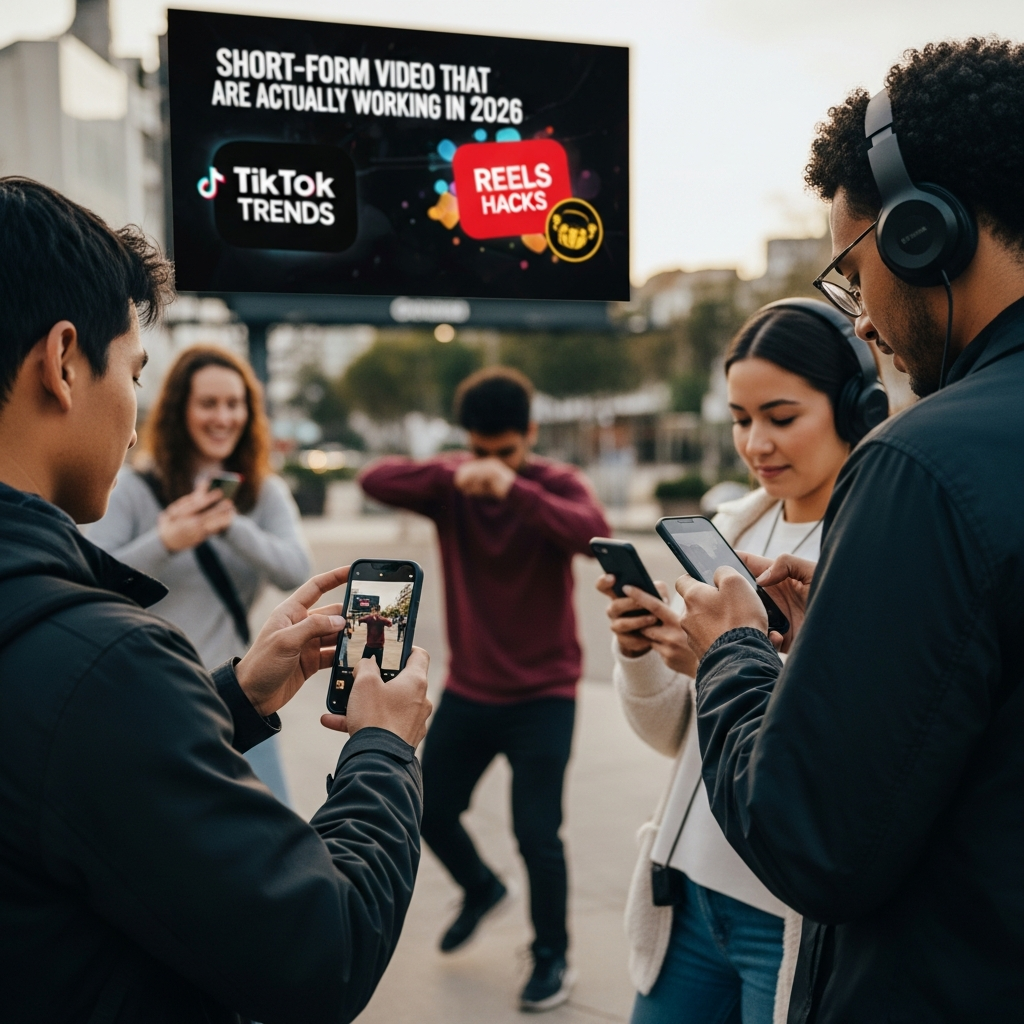
Hook in the First Frame, Not the First Three Seconds
The old advice was “hook them in three seconds.” That’s too slow now. The first frame — the literal thumbnail that shows before someone decides to keep watching — needs to grab attention. Use a visually striking opening shot, bold on-screen text, or a pattern interrupt like an unexpected close-up. If your first frame is someone sitting at a desk saying “Hey guys,” you’ve already lost half your potential viewers.
Captions Are Mandatory, Not Optional
A huge percentage of short-form video is watched without sound. Auto-generated captions have improved, but they still miss context, timing, and emphasis. Use a tool like CapCut, Descript, or Premiere Pro’s built-in captioning to create styled, timed captions that match your pacing. Bold key words. Time the text to appear with your vocal emphasis. Good captions don’t just make your video accessible — they actively hold attention.
The “One Idea” Rule
Every high-performing short video communicates exactly one idea. Not three tips. Not a full tutorial. One clear, specific takeaway. If you have three tips, make three videos. This sounds like it limits your content, but it actually multiplies it. You get three pieces of content instead of one, and each one is tighter and more watchable.
Decide your single point before you record. Write it down in one sentence. If you can’t say it in one sentence, you’re trying to fit too much in.
Vertical Framing Still Matters
This seems obvious, but watch how many creators still shoot horizontal and crop to vertical as an afterthought. Shoot natively in 9:16. Frame your subject with their eyes in the upper third. Leave space at the bottom for captions and platform UI elements that overlay your video. Check how your video looks with TikTok’s UI overlay, Instagram’s, and YouTube Shorts’ — they’re all slightly different.
Use Cuts to Control Pacing
Long, unbroken talking-head shots lose viewers fast. Cut every 3-5 seconds to a different angle, a B-roll insert, or a zoom adjustment. You don’t need fancy equipment for this. Record your main take, then do a second take from a slightly different angle or distance. Alternate between them in editing. The visual variety alone keeps people watching.
Jump cuts — where you cut mid-sentence to remove pauses — are still effective but getting overused. Mix in actual angle changes rather than relying solely on jump cuts.
Trending Audio Isn’t Everything
Using trending audio can boost discovery, but only if the audio actually fits your content. Forcing a trending sound onto a video where it doesn’t belong feels desperate and audiences notice. Original audio with good captions often outperforms a random trending clip that has nothing to do with your message.
If you do use trending audio, add something original to it. A unique visual take, a surprising twist, or genuinely useful information layered over the trend. The audio gets you discovered. Your content is what makes people follow.
Post Consistently, Not Constantly
Three to four quality shorts per week beats twelve mediocre ones. Every major platform’s algorithm in 2026 factors in completion rate and engagement — not just posting frequency. One video that 80% of viewers watch to the end is worth more than five videos where everyone drops off at the two-second mark. Spend your time making each video genuinely good rather than chasing daily upload schedules.




Stay in the loop
Get the latest make video short updates delivered to your inbox.