Video Use Instagram’s Boomerang Mode advice has gotten complicated with all the outdated tips and platform changes flying around. Here’s what actually works in 2026.
Boomerangs are dumb fun. That’s the whole point. A two-second loop of something bouncing back and forth. Here’s how to make one that doesn’t suck.
Use Instagram’s Boomerang Mode
Open Instagram. Swipe to Stories. Hit Boomerang. Hold the button for like a second while something moves. Done. The app does the rest.
What Actually Looks Good
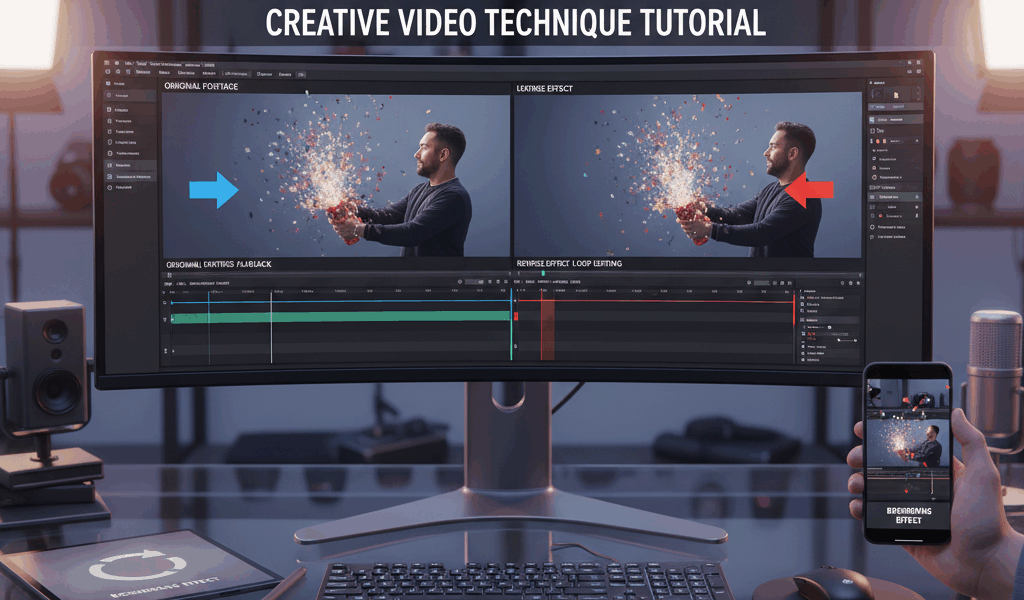
Quick, dramatic motions. Hair flips. Champagne pops. Jumping. Throwing confetti. The action needs to look cool going forward AND backward—that’s the trick.
Slow, subtle movements? Boring. Walking across a room? Weird. Keep it punchy.
Converting Old Videos
Got a clip you want to boomerang? Instagram won’t do it. You need a third-party app. Search “boomerang maker” in your app store. Import clip, trim to the good part, export. Takes 30 seconds.
Three Tips
Hold your phone steady. Shaky boomerangs look amateur.
Good lighting. These capture fast—dark rooms make everything blurry.
Keep it SHORT. One second of action, max. Longer loops feel slow and lose the snappy energy.
That’s literally it. Point, shoot, share. Don’t overthink it.




Stay in the loop
Get the latest make video short updates delivered to your inbox.