Video The Screen Recording Trick advice has gotten complicated with all the outdated tips and platform changes flying around. Here’s what actually works in 2026.
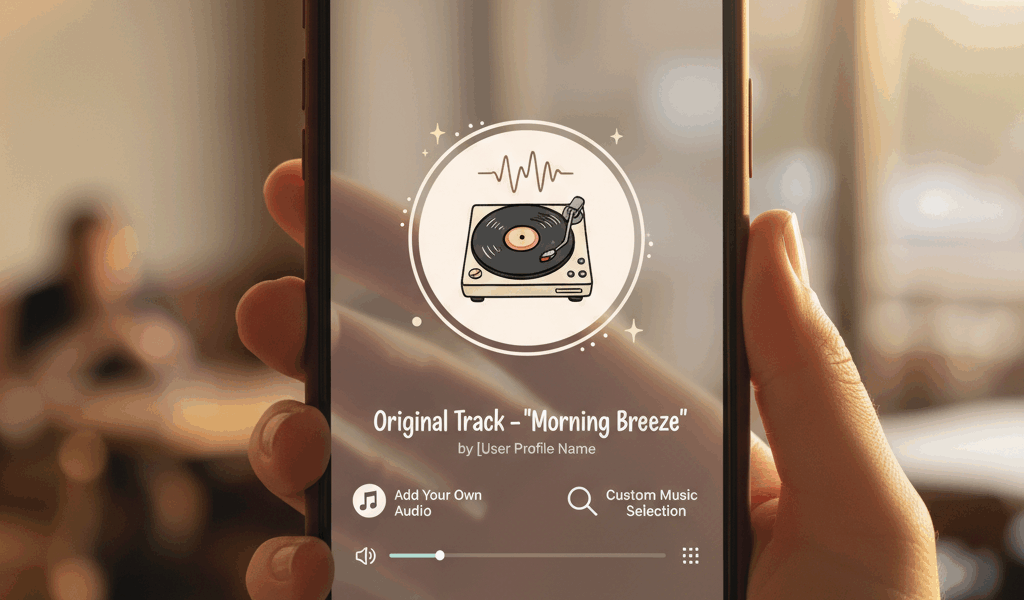
Instagram’s music library is huge but sometimes you want YOUR song. Here’s how to sneak custom audio into your Stories.
The Screen Recording Trick
Play your song from Spotify or Apple Music. Start screen recording on your phone. Record your Story content while the music plays in the background. Screen recorder catches everything—video AND audio.
Boom. Custom soundtrack baked right in.
Turn on Do Not Disturb first though. Nothing ruins a vibe like a text notification sound in your epic sunset Story.
Just Play Music Out Loud
Even simpler: play the song on a speaker while you film. Your phone mic picks it up. Quality depends on your speaker and how echoey the room is, but it works.
Edit It In Beforehand
Apps like InShot or CapCut let you layer audio onto video before posting. More control this way—you can time drops, fade in and out, all that.
Takes an extra couple minutes but looks way more polished.
Check If It’s Already There
Before going through all this, actually search Instagram’s library. It’s bigger than most people realize. Your song might already be there. Save yourself the hassle.
Copyright Warning
Instagram can detect copyrighted songs and might mute your Story. Happens inconsistently—sometimes they care, sometimes they don’t. Stories disappear in 24 hours anyway, so the risk is low. Just know it’s possible.



Stay in the loop
Get the latest make video short updates delivered to your inbox.