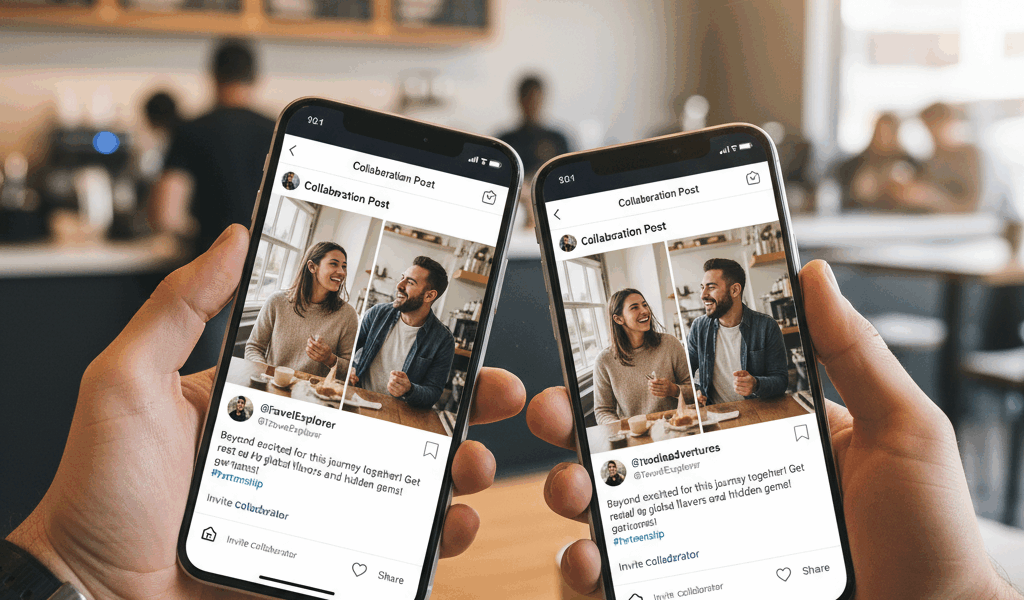
Video How Collabs Actually Work advice has gotten complicated with all the outdated tips and platform changes flying around. Here’s what actually works in 2026.
Instagram Collabs let two accounts co-author a single post. Both names appear at the top, and the post shows up on both profiles’ grids. For creators and brands, it’s a way to share audiences without cross-posting or looking spammy.
How Collabs Actually Work
You create a post normally—photo, video, or Reel. Before publishing, tap “Tag people” and then “Invite collaborator.” Search for the other account and send the invite. They accept, and now you’re both listed as authors.
The post appears on both profiles with shared likes, comments, and views. If someone follows one of you but not the other, they see the post in their feed. If they follow both, they only see it once (not duplicated).
Why This Beats Cross-Posting
Before Collabs existed, creators would post identical content on both accounts. The problem: engagement got split. Comments were scattered across two posts. Viewers sometimes saw the same thing twice in their feed, which felt redundant.
Collabs consolidate everything. One set of comments, one engagement number, one place for the conversation to happen. It’s cleaner for viewers and shows real combined reach for the creators.
Getting Someone to Collaborate
You can invite anyone as a collaborator, but they have to accept. This isn’t a feature you can force on someone. In practice, collabs happen between accounts that already have a relationship—brand partnerships, friend groups, cross-promotional arrangements.
If you’re reaching out cold, pitch the value first through DMs or email before sending a collab invite. Random invites from strangers usually get ignored.
What Each Party Controls
The original poster owns the content. They can delete it anytime, and it disappears from both profiles. The collaborator can remove themselves from the post but can’t delete it entirely.
Both accounts can see insights for the post—reach, impressions, engagement. This transparency is useful for proving results to brand partners or evaluating whether the collaboration was worth it.
Limitations
You can only have one collaborator per post. Group projects with three or more people need a different approach—someone owns the post and tags the others in the caption or comments.
Collabs work for Feed posts and Reels. They don’t work for Stories (yet—Instagram keeps adding features, so this might change).
The invite expires after 14 days if not accepted. If someone doesn’t respond, you can either post without them or delete and try again later.
Making Collabs Work
Plan who posts. Only one account can initiate the post, so decide upfront. Usually it’s whoever has the primary content or the larger audience.
Coordinate timing. The post goes live when you publish, but your collaborator doesn’t see it on their grid until they accept. Have them ready to accept quickly so there’s no awkward gap.
Align on messaging. Both accounts’ audiences will see this. Make sure the content and caption work for both communities, not just one.




Stay in the loop
Get the latest make video short updates delivered to your inbox.