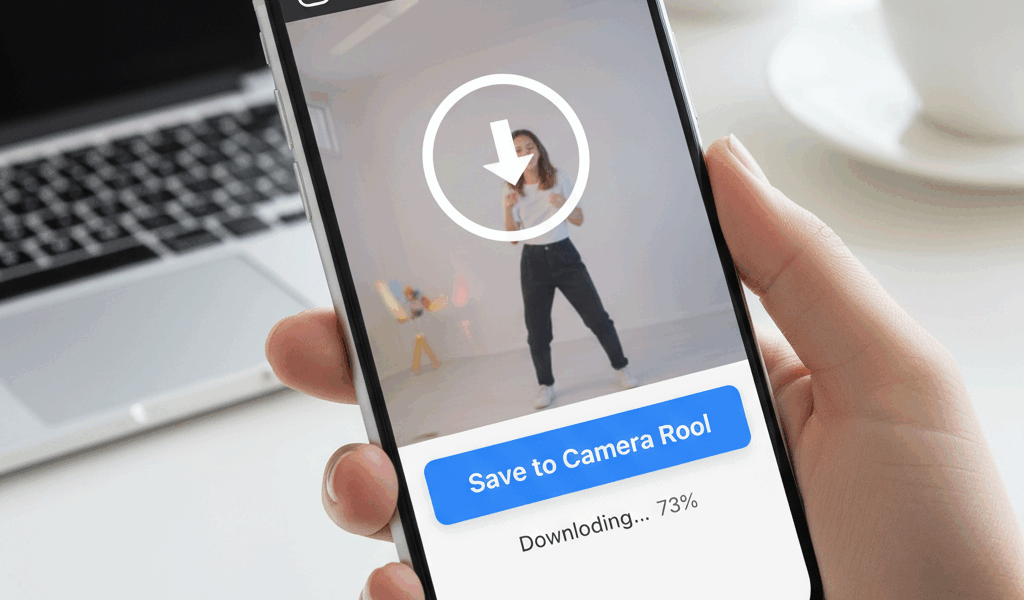
Video How to Save Instagram Reels to advice has gotten complicated with all the outdated tips and platform changes flying around. Here’s what actually works in 2026.
How to Save Instagram Reels to Your Phone
Instagram doesn’t have a “download” button for other people’s Reels. Annoying, but there are workarounds.
Save Your Own Reels
For Reels you created: Before posting, toggle on “Save to Camera Roll.” Or after posting, tap the three dots on your Reel and select “Save.”
Easy. No workarounds needed for your own content.
For Other People’s Reels
Instagram doesn’t officially allow this. Here are the options:
Option 1: Screen Record
Use your phone’s built-in screen recorder. On iPhone, swipe down from top right and tap the record button. On Android, similar – check your quick settings.
Play the Reel. Stop recording when it ends. The video saves to your camera roll. You’ll need to crop out the extra stuff around the edges.
Quality’s not as good as the original, but it works.
Option 2: Third-Party Apps
Apps like “Repost for Instagram” or “InSaver” let you download. Copy the Reel link, paste in the app, download.
Be careful here. Some of these apps are sketchy. Read reviews. Don’t give unnecessary permissions. And they might stop working when Instagram changes things.
Option 3: Browser Method
Open Instagram in a browser, find the Reel, use developer tools to locate the video file. This is more technical than most people want to deal with.
The Ethics Part
If you’re saving to repost, credit the creator. Actually credit them, not just a tiny tag nobody sees. Better yet, ask permission first.
If you’re saving for personal reference, do whatever you want.
Why Instagram Doesn’t Allow This
Copyright and creator protection. Reels are meant to stay on Instagram. Downloads enable theft. The friction is intentional.
That said, screen recording exists and Instagram can’t stop that.



Stay in the loop
Get the latest make video short updates delivered to your inbox.