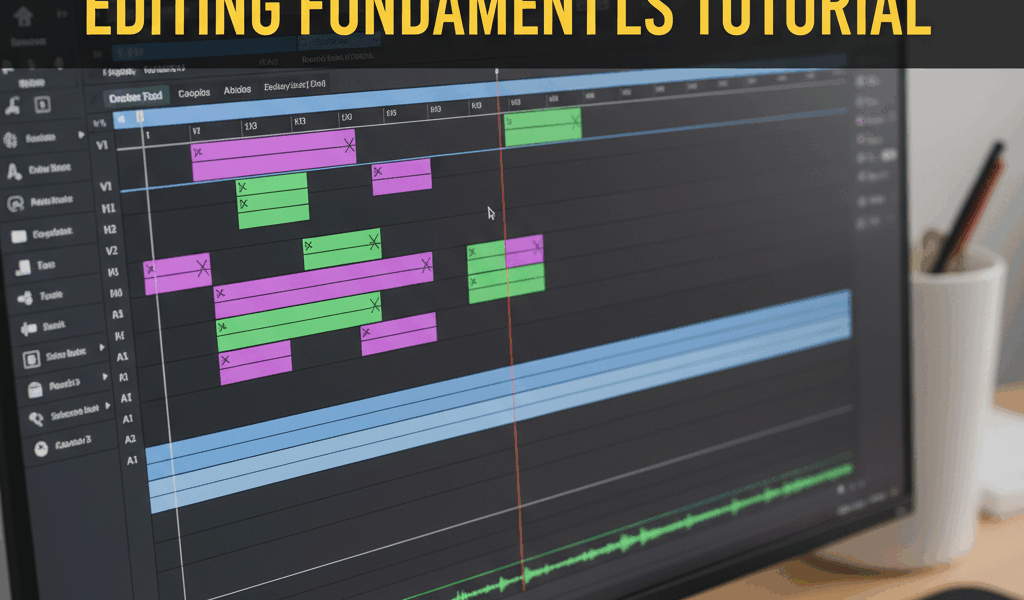
Video Cut More Than You Think advice has gotten complicated with all the outdated tips and platform changes flying around. Here’s what actually works in 2026.
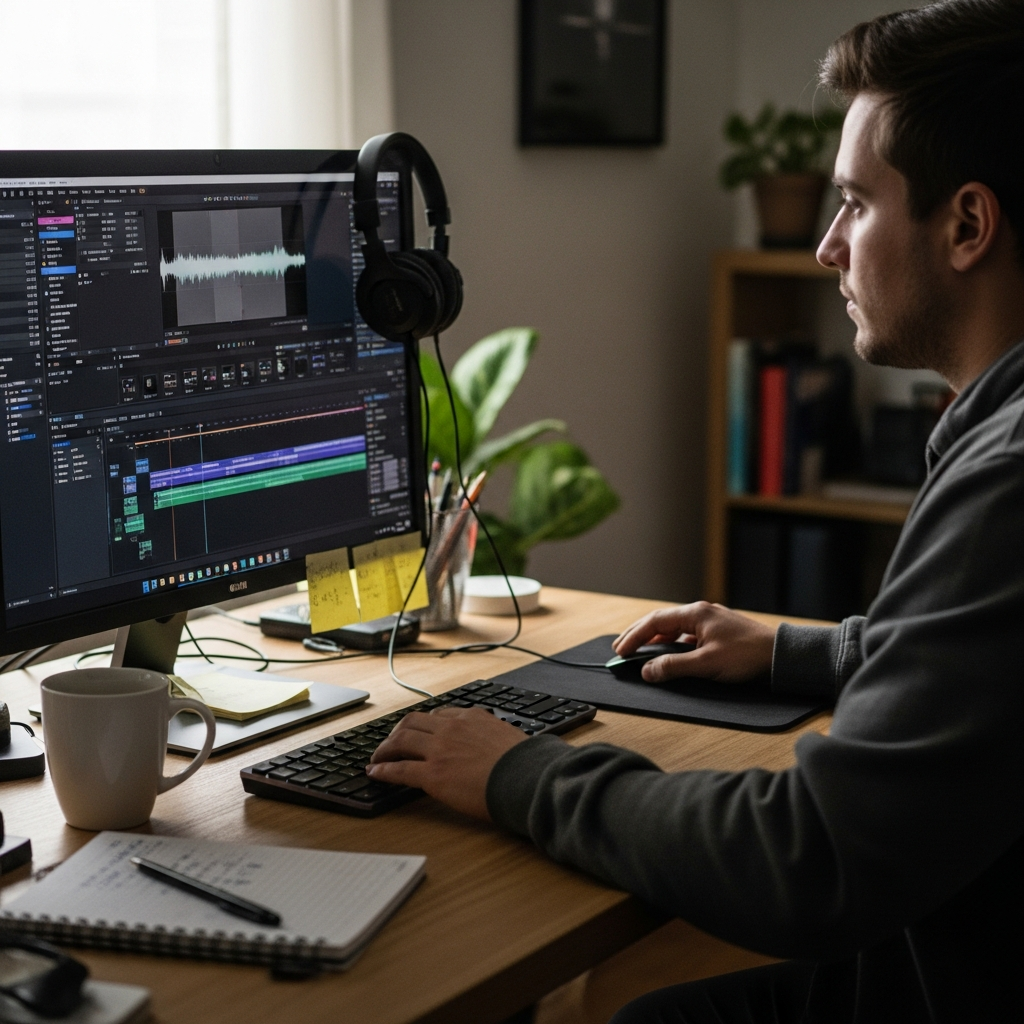
My first shorts were terrible. Shaky footage, bad lighting, no real editing. Watched them back months later and cringed. Everyone starts somewhere.
Cut More Than You Think
Every pause, every “um”, every moment where nothing happens – cut it. Shorts viewers scroll instantly when bored. Keep only what matters.
A 60-second video edited down to 15 seconds usually performs better than the full 60.
The Hook
First second determines if anyone watches. Start with the interesting part. Save the buildup for long-form content.
“Here’s what happened…” means you already lost them. Show what happened immediately.
Pacing
Change something every 2-3 seconds. Different angle, text appearing, zoom, whatever. Static frames die fast.
Watch your favorite creators and count the cuts. It’s probably more than you realized.
Software Basics
CapCut is free and does everything you need for shorts. Desktop version is more powerful than mobile.
Premiere Pro and Final Cut are overkill for most shorts but useful if you already know them. Don’t learn complex software just for 30-second videos.
Export Settings
9:16 vertical, 1080×1920 minimum. 60fps if your footage supports it. High bitrate – compression on upload is inevitable, don’t make it worse.
The Real Skill
Editing is storytelling in cuts. What do you show? What do you hide? Where does the eye go? Technical skill matters less than these decisions.
Watch good edits and ask why they cut where they cut. That’s how you learn.

Stay in the loop
Get the latest make video short updates delivered to your inbox.