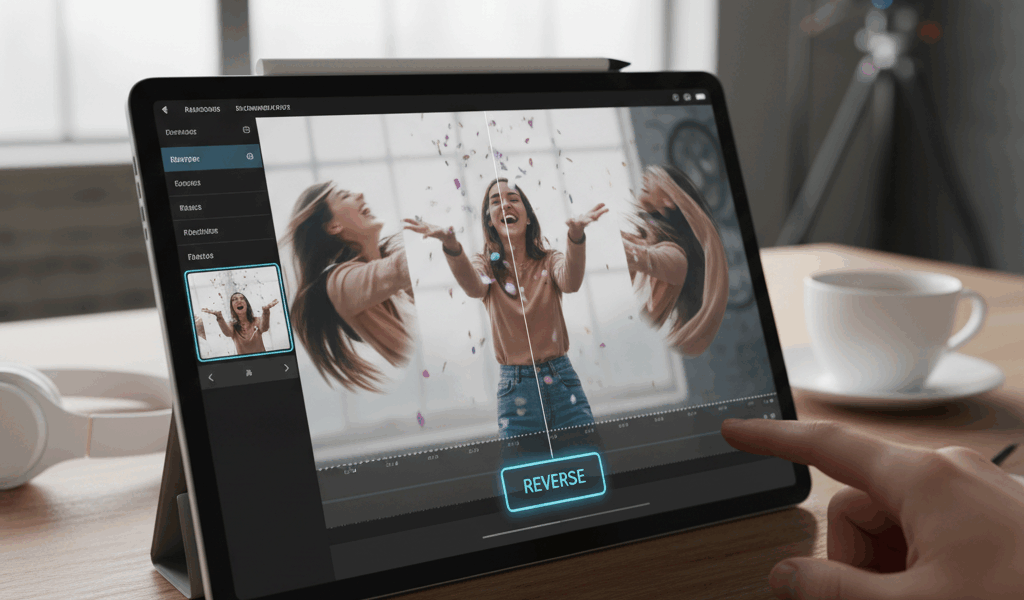
Video Instagram’s Built-In Option advice has gotten complicated with all the outdated tips and platform changes flying around. Here’s what actually works in 2026.
Client wanted boomerang-style content but from footage we’d already shot. Didn’t know that was possible until I figured it out. Here’s what works.
Instagram’s Built-In Option
Easiest method. Upload your video to Stories. Swipe up for effects. Find the boomerang effect and apply it. Saves directly to your device.
Works best with short clips – 2-3 seconds max. Longer clips look weird bouncing back and forth.
App Options
Boomerang Maker – does what it says. Free version has watermarks. Paid removes them. Simple interface.
Loop Video – similar functionality. Let’s you adjust loop speed and count. Good for tweaking the timing.
CapCut – can do this plus actual video editing. More steps but more control.
Desktop Method
Kapwing works in browsers. Upload video, find the loop tool, set playback options. Export when done. Free tier works fine for occasional use.
The Secret
Choose the right source footage. Quick movements look best. Jumps, waves, turns. Static footage bouncing back and forth just looks broken.
Also: steady footage. Boomerangs amplify camera shake. Use clips where the camera wasn’t moving.
Trim First
Find the 1-2 second moment you actually want. Trim to just that. Then apply the boomerang effect. Starting with a long clip creates messy results.
Less is more with boomerangs. The tightest loops work best.




Stay in the loop
Get the latest make video short updates delivered to your inbox.