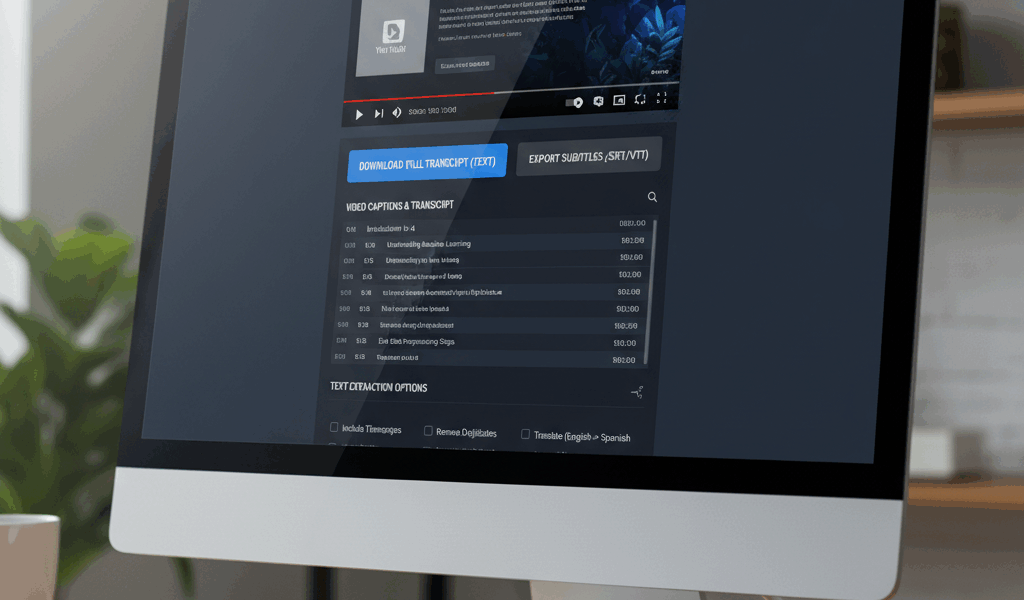
Video The Manual Way advice has gotten complicated with all the outdated tips and platform changes flying around. Here’s what actually works in 2026.
Downloading YouTube transcripts is useful for repurposing content. Same method as before, different approach.
The Manual Way
Open video. Three dots below player. Show transcript. Copy text manually.
Timestamps come with it. Delete them if you just want words. Tedious for long videos.
Browser Extensions
YouTube Transcript extensions exist. One click download. Formats nicely. Chrome and Firefox both have options.
Search “YouTube transcript download” in extension store. Pick one with good reviews.
Dedicated Sites
Downsub.com. Paste URL, get transcript. Multiple format options. SRT, TXT, whatever you need.
Other sites do the same thing. Some have ads, some don’t. All work basically.
Quality Issues
Auto-generated captions have errors. Homophones, technical terms, names. Proofread before using.
Creator-uploaded captions are better. But rarer. Most videos use auto-generate.
What To Do With Transcripts
Blog posts from video content. Quote mining for articles. Study notes. Research purposes.
Feed to AI for summaries. Works well for long videos you don’t want to watch.
Legal Note
Transcripts are derived content. Copyright applies. Use for personal purposes, research, education. Don’t republish verbatim commercially.




Stay in the loop
Get the latest make video short updates delivered to your inbox.