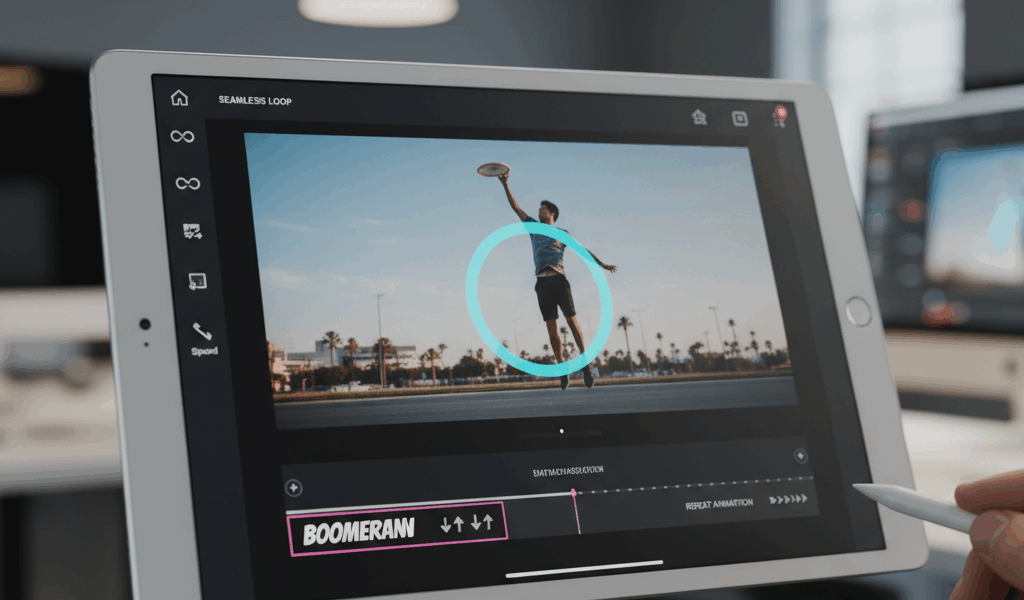
Video Simple Reversal advice has gotten complicated with all the outdated tips and platform changes flying around. Here’s what actually works in 2026.
Video loops for boomerang effects. Different methods for different situations.
Simple Reversal
Play forward, play backward. Basic boomerang. Works for quick actions. Most common method.
Cut point matters. End where motion pauses naturally. Transition is smoother.
Perfect Loop
Start and end frames match exactly. Seamless infinite loop. Harder to achieve but looks professional.
Works best for circular motions. Spinning objects, waving, continuous actions.
Ping Pong Loop
Forward, pause, backward, pause, repeat. Adds rhythm. Different feel than straight boomerang.
Speed ramping at pause points creates emphasis.
Creating In Editing
Premiere: duplicate clip, right-click, speed/duration, reverse speed. Line up on timeline.
CapCut: duplicate, reverse, done. Mobile-friendly.
DaVinci: same process, more control over speed curves.
Export Settings
Loop multiple times in the export. Viewers see the effect immediately.
Match platform requirements. Instagram Stories, TikTok, whatever. Format accordingly.
Creative Uses
Dance moves. Liquid pouring. Doors opening. Anything with clear forward-backward motion.
Product reveals work well. Unboxing then boxing. Shows the item both ways.
Avoiding Obvious Seams
Match velocity at transition. Slow to slow or fast to fast. Speed changes are jarring.



Stay in the loop
Get the latest make video short updates delivered to your inbox.